
Don’t let confusing sections put you off, RouteNote is here to make it quick and easy for our users.
You have two different options on the territory selection field – Include these Territories or Exclude these Territories. This makes it quicker for you to select which countries you want your release to be available in.
If you don’t want your release to be available in a specific country, then you want to exclude this country. To do this you can click on ‘Exclude these Territories‘ and find and select this country.
If you would like your release to only be found in specific countries, then you would want to include those countries. To do this tap on ‘Include these Territories‘ and find and select your chosen countries.
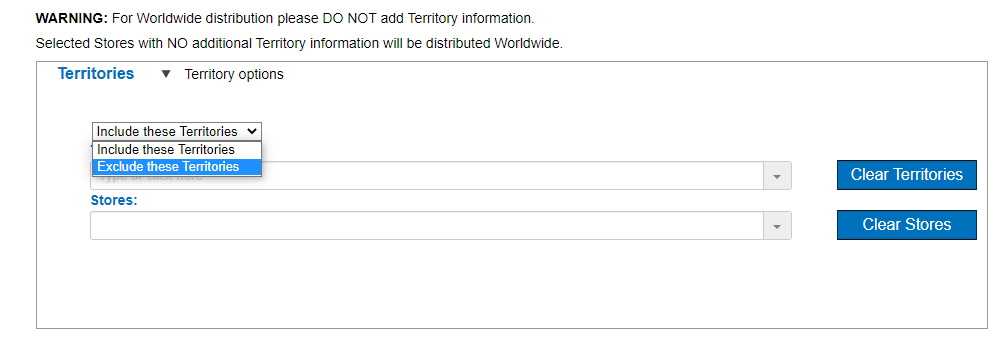
For example, if you want your release to be delivered everywhere in the world, but not in Australia, then you can select ‘Exclude these Territories‘ and type and tap on Australia. If you want your release to only be delivered in India and The United States, then you can select ‘Include these Territories‘ and type in these countries and select. Easy as pie!
If you haven’t already begun, click here to start your distribution journey!
See also:
Where can I add or amend territory information?
How does the RouteNote distribution process work?