
Track title versions are there to help you mark a difference between different versions of the same track.
Using a title version on your RouteNote release means you can have multiple tracks with the same track title on one release, which stores won’t allow otherwise. The title version will allow you to differentiate between each version of the track with the same name.
Please note! Your title versions at track level must match your album version!
Look out for this message:
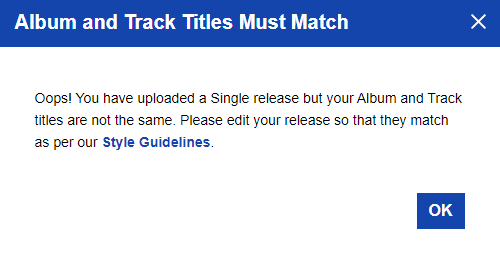
For example, all of these tracks would be accepted by stores if they’re on the same release, because they have correctly formatted title versions:
Track title: Empire State Human
Title version:
Track title: Empire State Human
Title version: Extended version
Track title: Empire State Human
Title version: Live
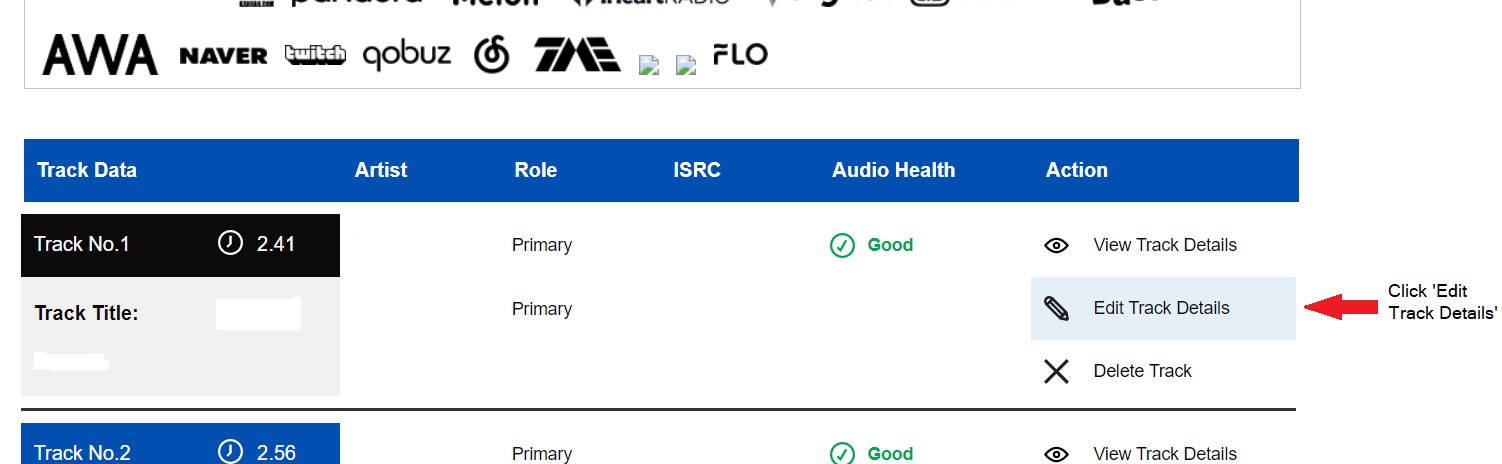
To edit your title version you will need to be logged into your RouteNote account. Open your release within your discography and scroll down to your track list, click ‘Edit Track Details’ on the track you wish to edit.
From here you will be able to add/edit your track title version.
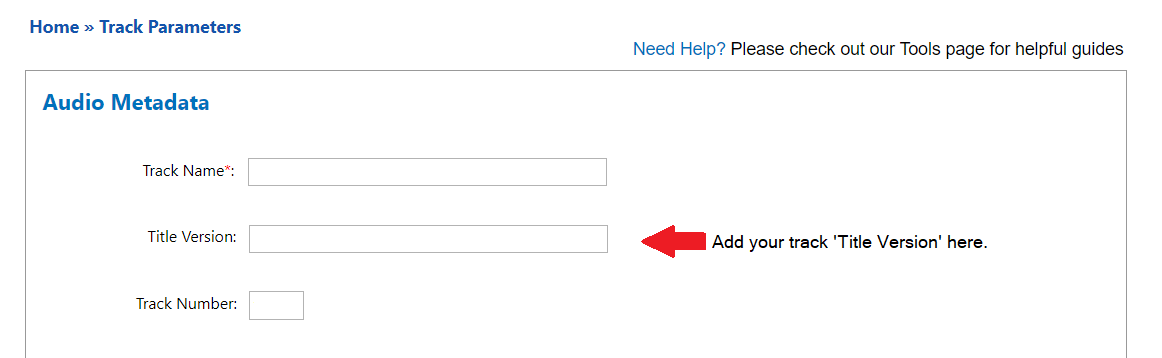
Don’t forget to click ‘Save and Continue’ at the bottom of the page!
Check out the full RouteNote Style Guide here!
Feel free to get in touch with us if you have any questions or concerns!
See also:
What is a ‘title version’, and how do I format it for a release?
What shouldn’t I include in my track/release ‘title version’?