
Have a rummage around the app, it’ll only take a tippity tap! 📱
To locate your track on TikTok, follow our guide below:
Head to your TikTok app
Tap on the Plus icon in the box

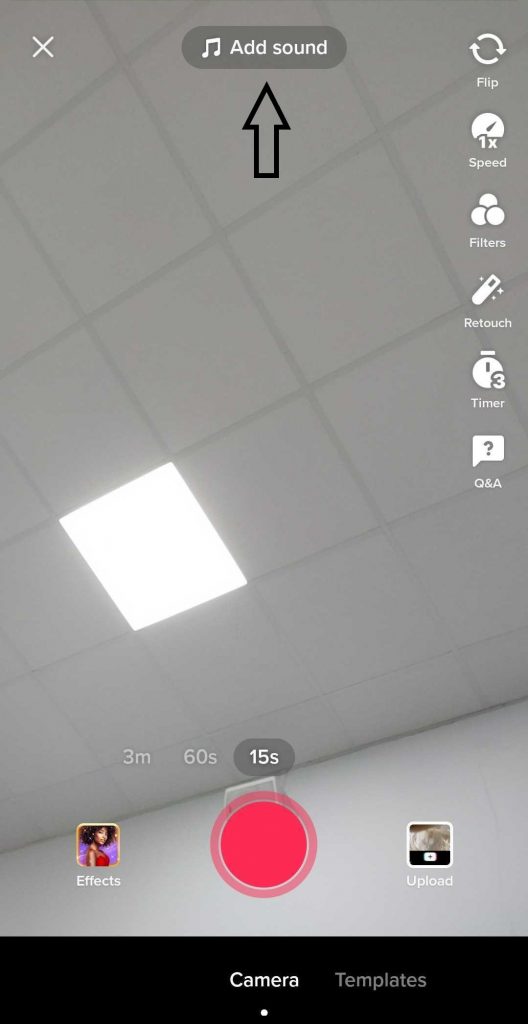
Click on Add Sound at the top of the screen
Then, search up either your artist name, your track title, or both.
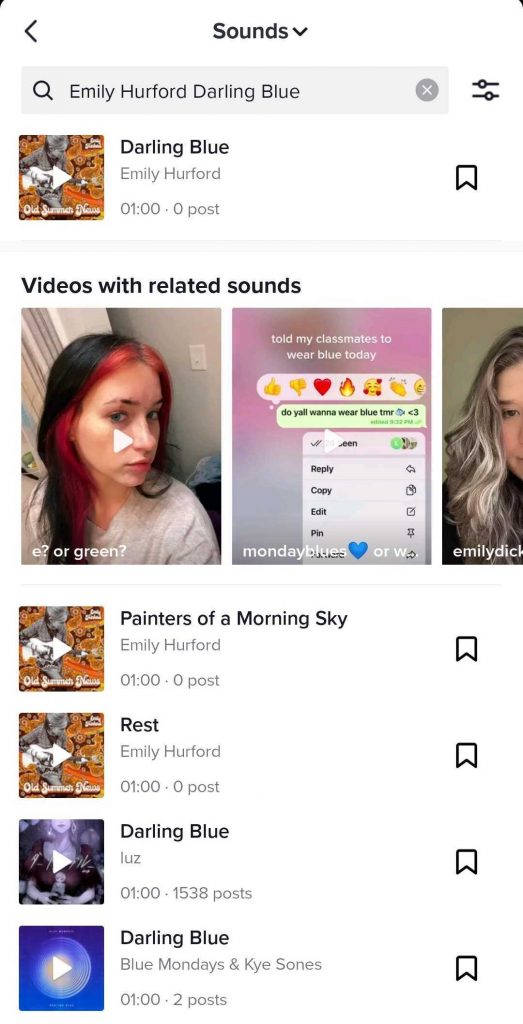
When finding your track, select it to use it.
If you can’t see your track, let us know at support@routenote.com or by creating a ticket. Please consider that your release may have been deemed ineligible for Content ID stores (YouTube, Facebook, Instagram and TikTok).
If you have any further queries, feel free to get in touch with us!
See also:
How does TikTok distribution work?
When will I see my TikTok statistics?
How do I get verified on TikTok?