
A little help with your release to give you some peace.
The performer role is for artists who are performing on the track, but they’re not the main artist. This might be for a guest musician playing a backing instrument on your track, for example.
Performing artists must not be credited in titles in the way that featuring/ with/ remixer artists are.
Please note – stores won’t allow an artist to appear in more than one of the primary/featuring/with/remixer/performer roles – so please don’t put them in twice!
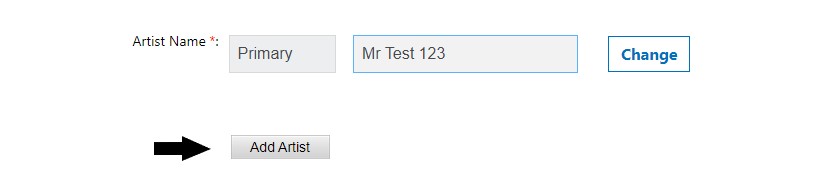
You can add a performer when creating your release by…
- Clicking on ‘Add Artist‘
- Selecting ‘Performer‘
- Inserting the performer’s name
Watch this handy video below for more tips on uploading your music to RouteNote…
Check out the full RouteNote Style Guide here!
See also:
What is a performer?
How do I add a featuring artist?
How do I add an actor?