
Don’t worry, RouteNote has produced the answers!
The producer role is used for the person who has mixed/mastered/produced your track. They are also sometimes used to credit the person who made a backing track that’s being used.
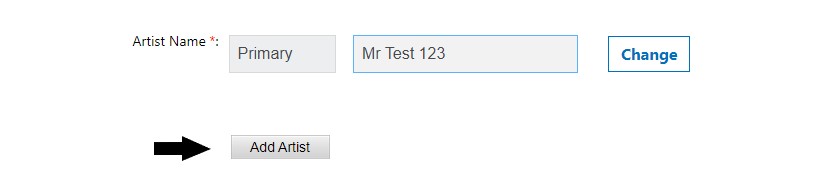
You can add a producer when creating your release by…
- Tapping on ‘Add Artist‘
- Selecting ‘Producer‘
- Inserting the producer’s name
- Mission accomplished!
Watch this handy video below for more tips on uploading your music to RouteNote…
Check out the full RouteNote Style Guide here!
See also:
What is a producer?
How do I add a featuring artist?
Can I use a backing track in my release?